
One Retro Home. Every Way To Play.
One emulator to
rule them all.
Start no-setup multiplayer lobbies with invite codes, chat, and voice, then keep the rest of your retro world in one place: 18 supported systems including Nintendo 64, Wii, PlayStation 2, Sega Saturn, and Nintendo 3DS, a beautiful ROM library, managed saves, instant replays, clips, screenshots, shaders, cheats, and controller tools.
Why Shadowboy?
The hard parts feel automatic
Shadowboy turns the usual emulator setup work into a clean app experience: organized libraries, invite-code multiplayer, quick cheats, managed saves, and recording tools that stay close to the game.
Advanced ROM Library, No Setup
Drop in your games and Shadowboy auto-scans, detects systems, fetches box art, adds badges, and keeps PSP, Nintendo 64, Sega, Nintendo, Wii, PlayStation, PS2, Sega Saturn, Nintendo 3DS, and Dreamcast libraries searchable in one polished place.
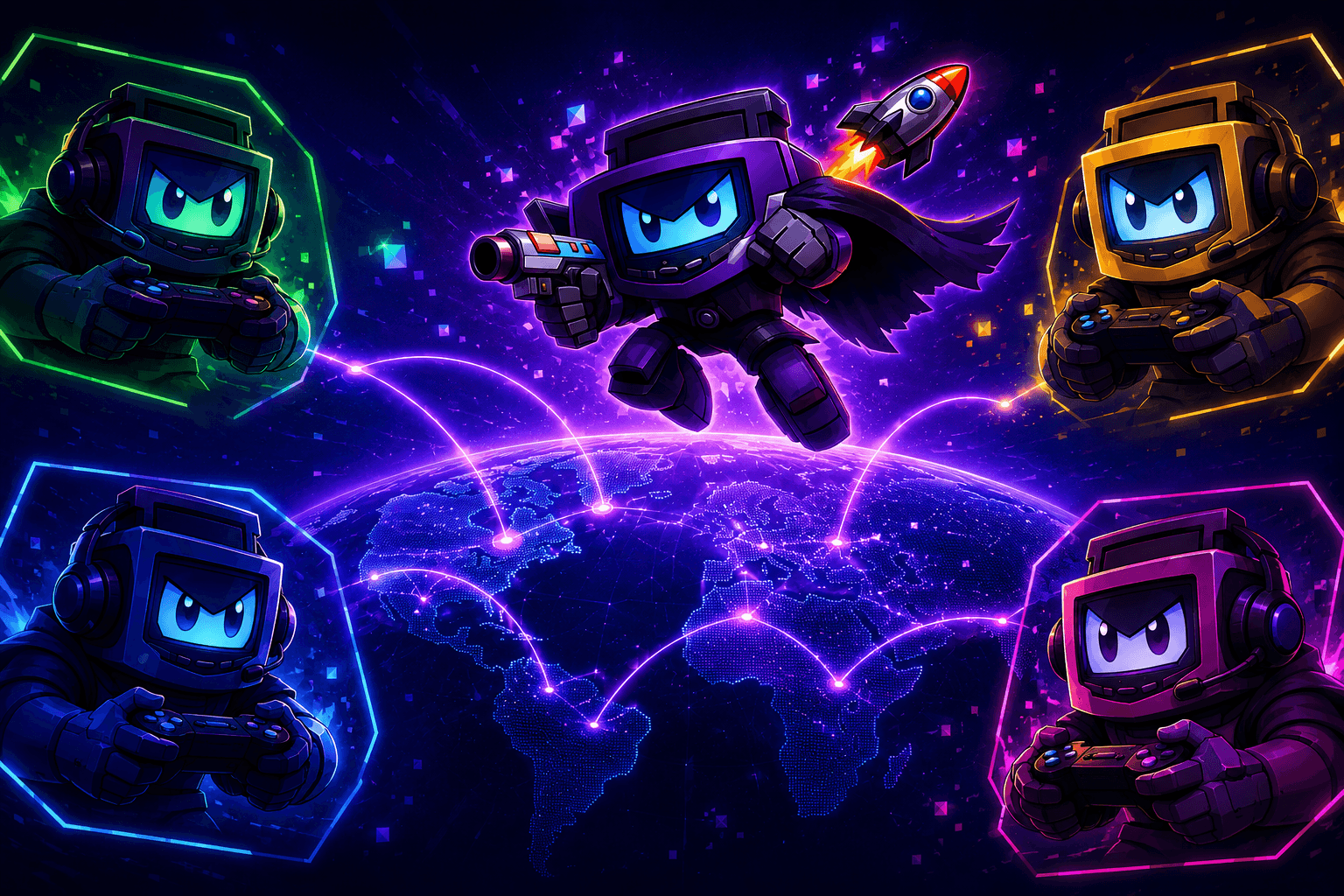
No-Setup Multiplayer
Send your friend an invite code and start playing together anywhere in the world. No accounts, port forwarding, or setup screens between you and the next match.
Cheats
Search, import, and toggle per-game codes without hunting down setup files.
Library Backup
Keep ROMs, screenshots, and save-state archives portable with import and export flows.
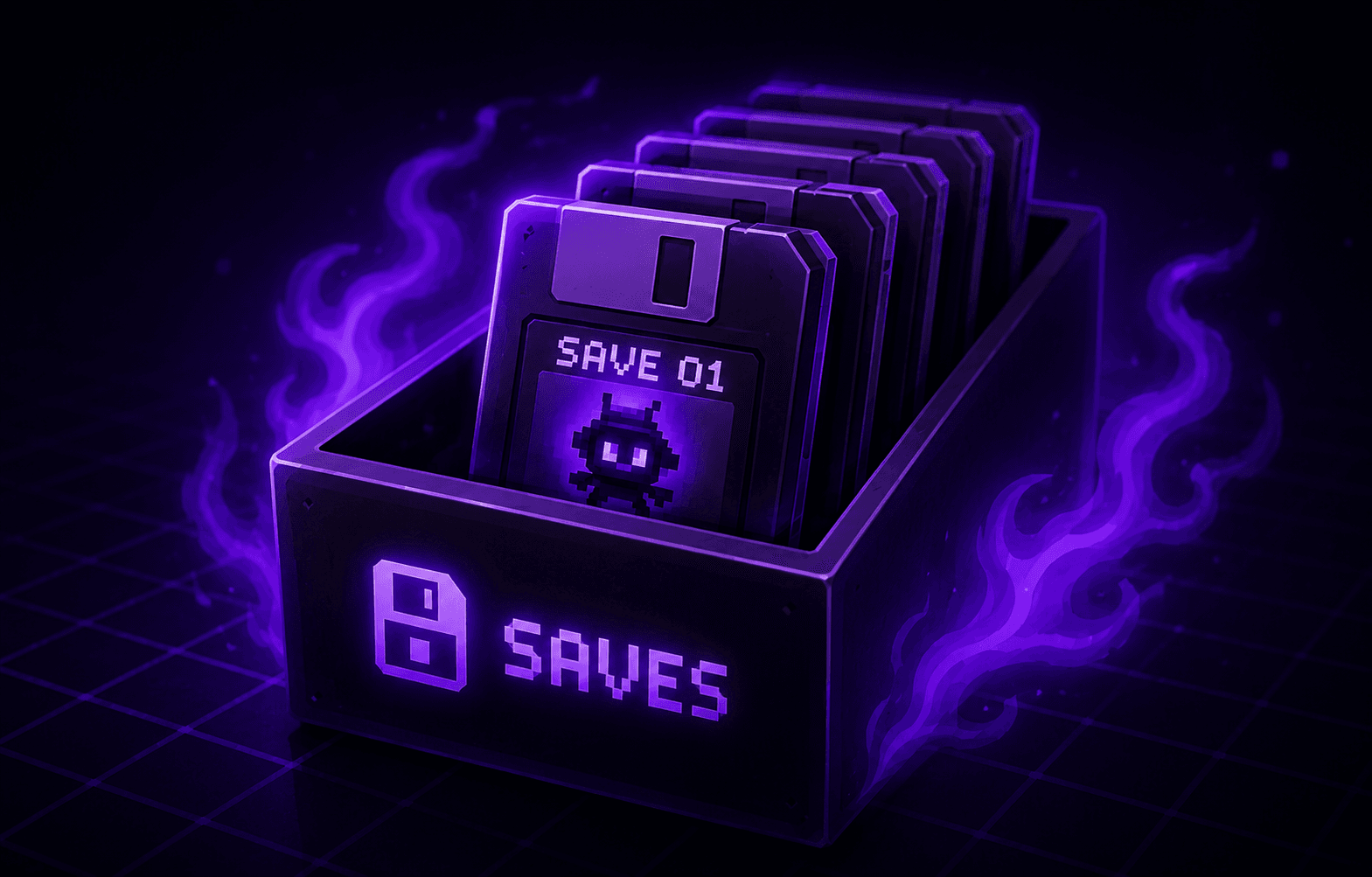
Save State Library
Move important slot saves into an archive with previews, titles, notes, tags, import, and export.
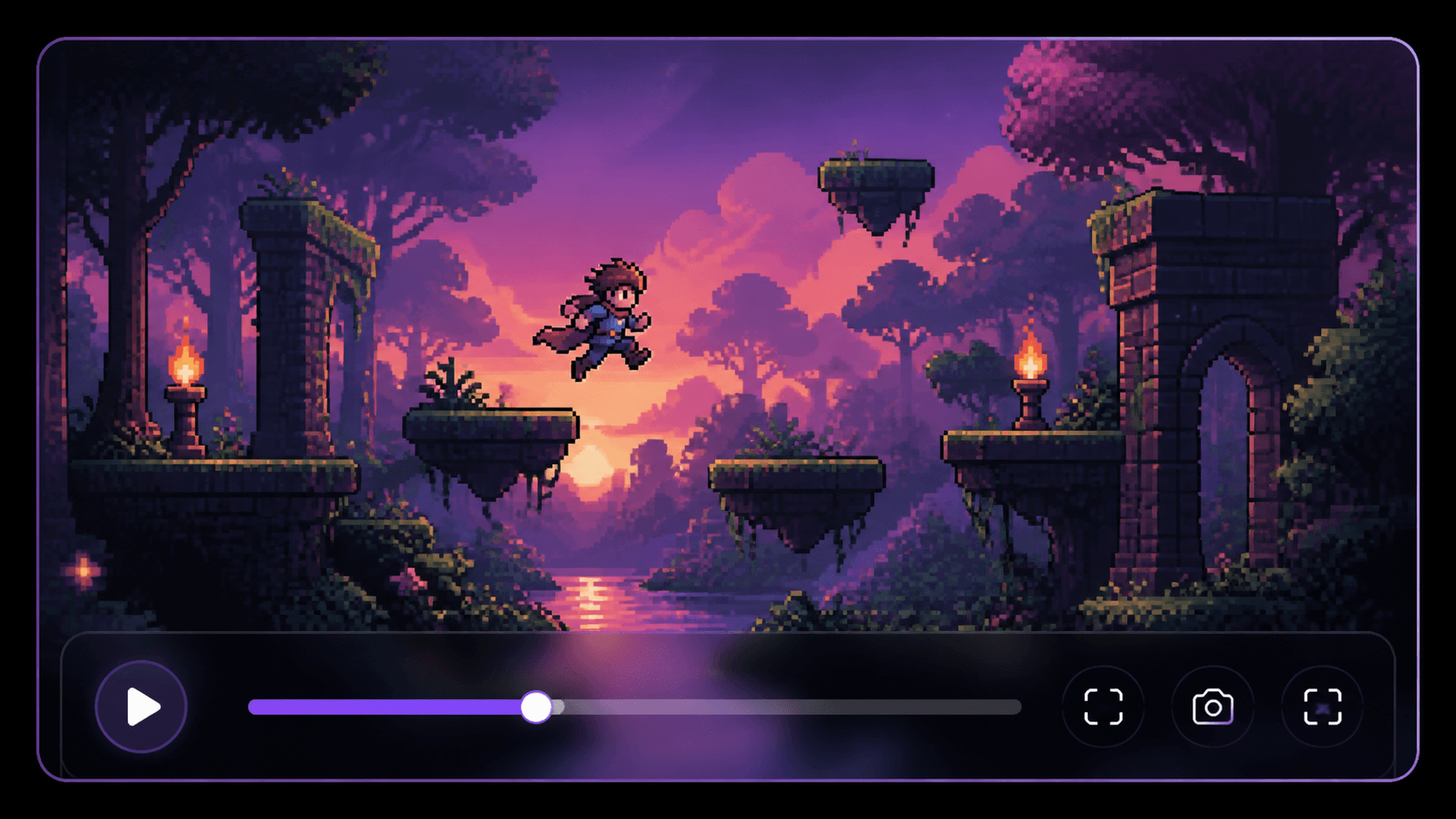
Recording
Save the moment after it happens, record longer sessions on purpose, and keep every gameplay clip organized in a managed library.
Collection Management
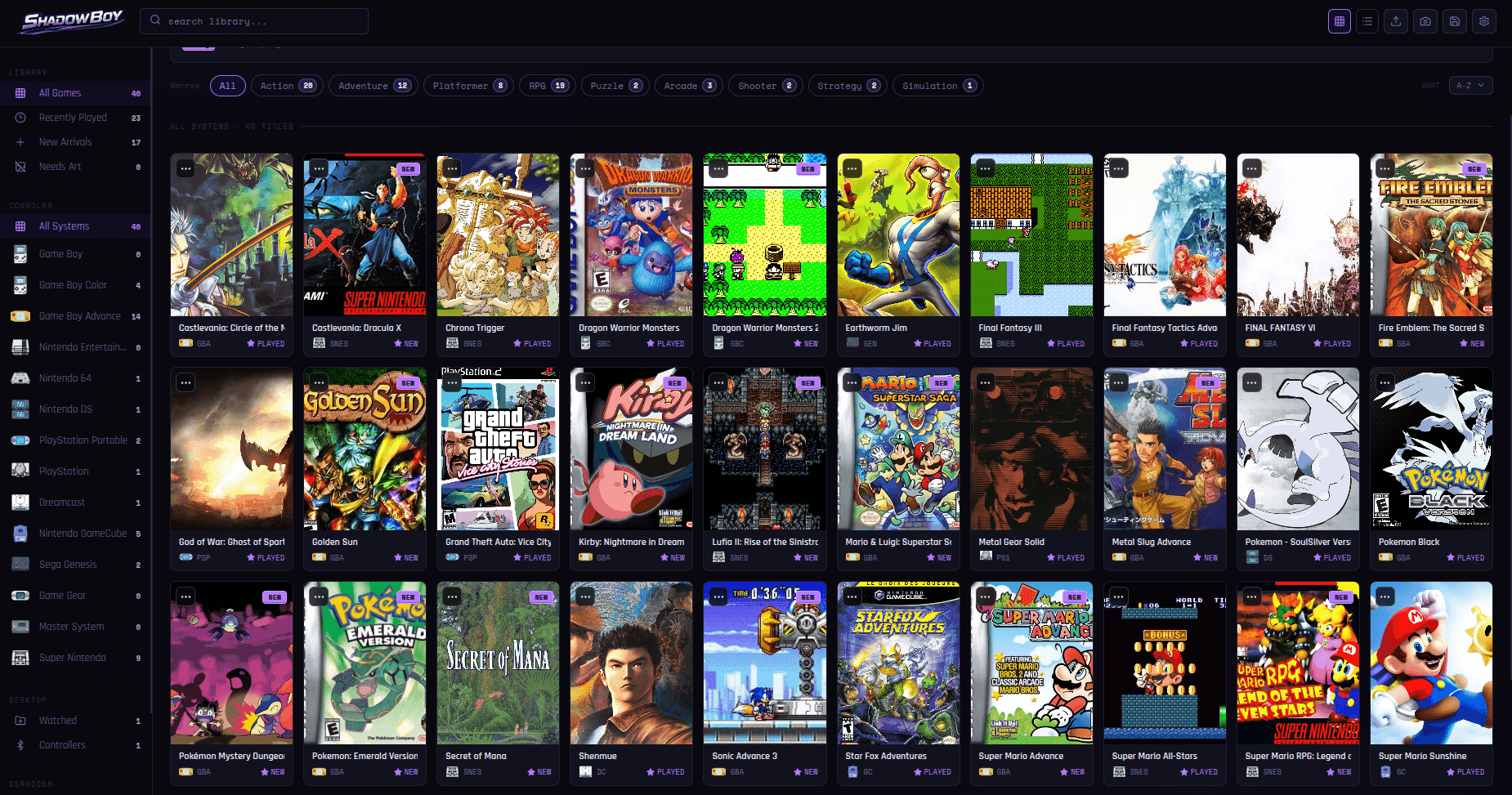
The game library, you've been waiting for.
Artwork, system and genre filters, search, saves, screenshots, and ready-to-play games stay together in a beautiful library with no setup hassle.
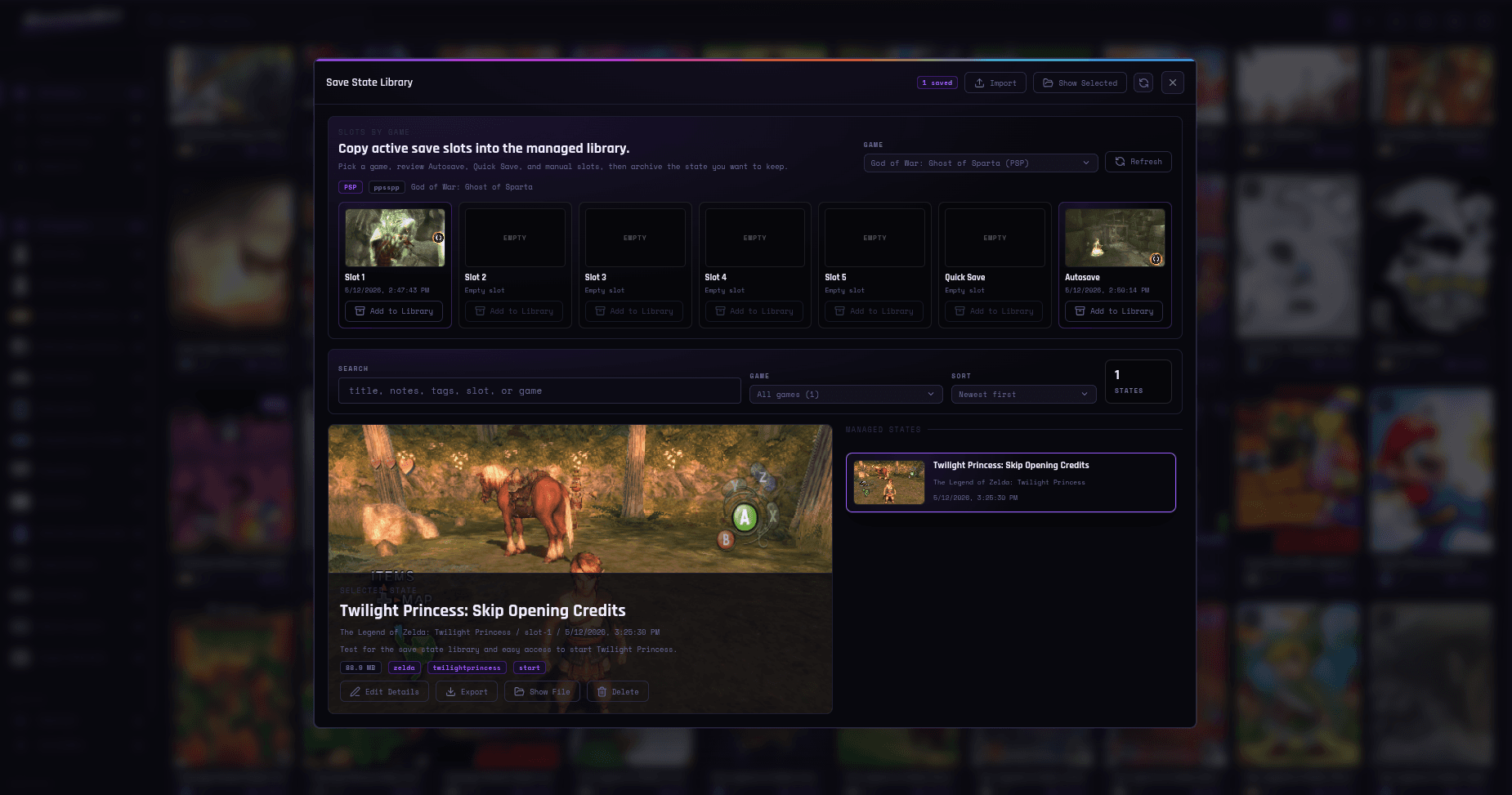
Save State Library
Every save, easy to recognize.
Turn normal in-game save slots into a real archive. Save important states outside the active slot list, add titles, notes, and tags, then import or export them when you want to preserve a run, share progress, or return later.
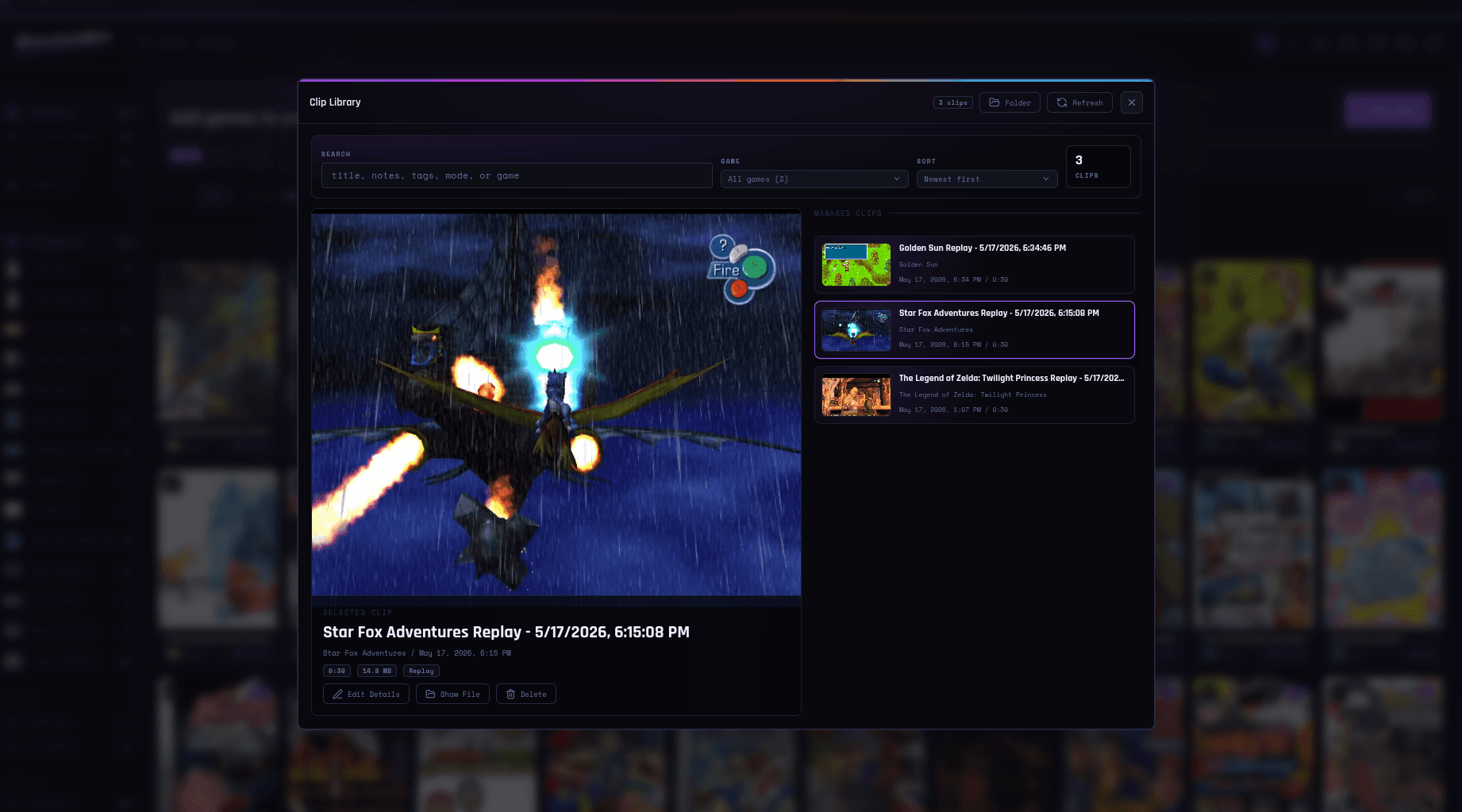
Clip Library
Replays and clips, kept in order.
Instant replay recording saves the moment after it happens, manual clip recording lets you capture exactly what you want, and the managed clip library keeps every gameplay video organized, searchable, and easy to manage.
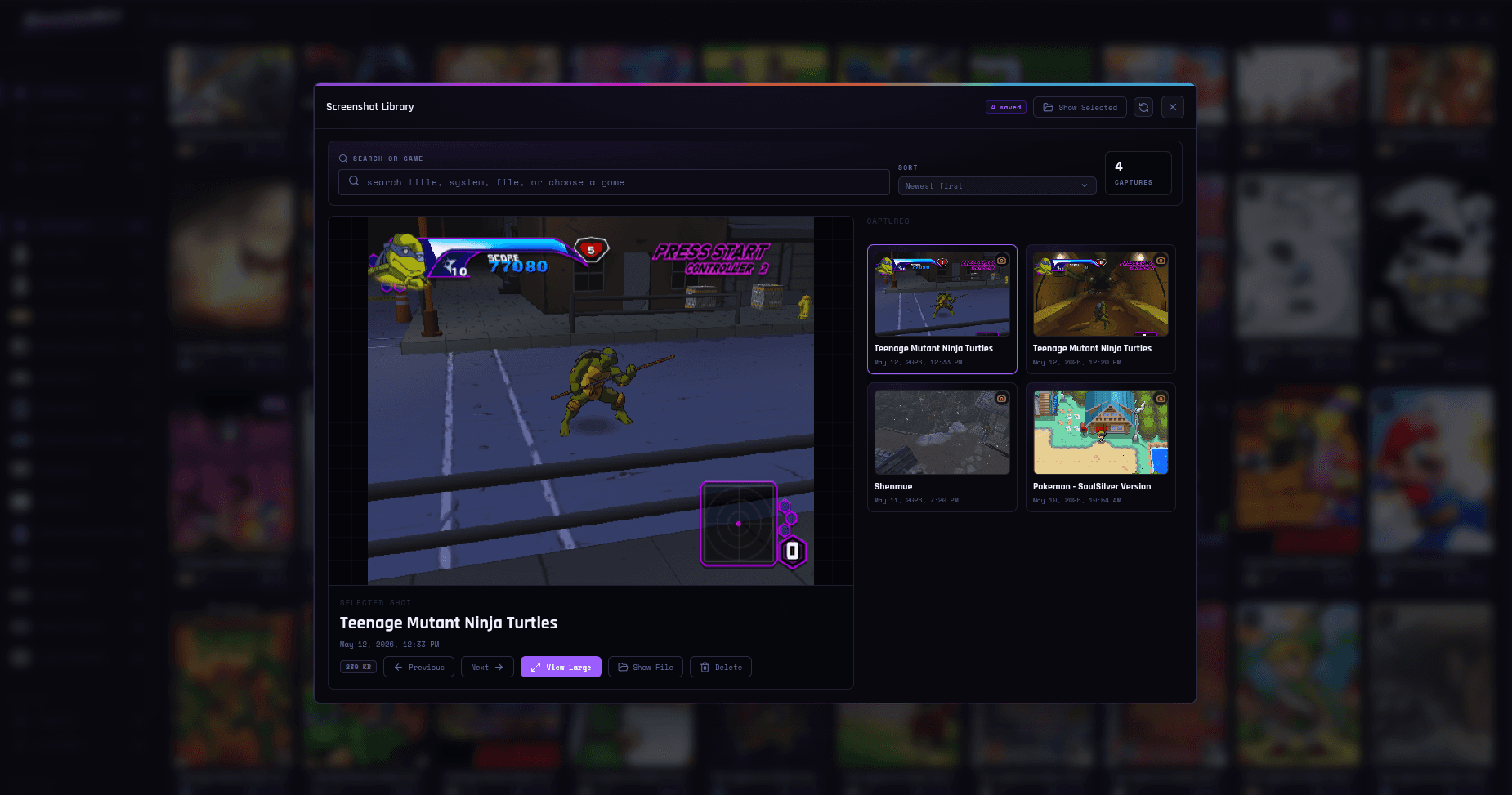
Screenshot Library
Screenshots stay ready to revisit.
Captured moments collect into a dedicated visual library, so standout scenes, boss clears, references, and progress shots stay easy to scan without digging through folders.
Features
Everything Shadowboy can do, organized by how you play.
The app stays simple when you launch a game, but there is a lot underneath: libraries, systems, content creator tools, multiplayer, controls, and settings that grow with your collection.
Libraries
Drop in your games and get a searchable, visual collection with artwork, filters, saves, clips, and screenshots kept together.
Systems
One Shadowboy library can cover handhelds, consoles, Sega classics, PSP, Wii, PlayStation, PS2, Sega Saturn, Nintendo 3DS, Dreamcast, and more.
Content Creators
Capture clips, save screenshots, and apply your favorite shaders on the fly with no setup required.
Multiplayer
Send an invite code, meet in a desktop lobby, chat between games, and keep voice running while you play.
Controls
Start with practical defaults, then tune touch controls, keyboards, gamepads, shortcuts, turbo, and macros when you want more.
Settings
Tune saves, cheats, playback speed, recording, multiplayer, artwork, audio, and video without making the app feel complicated.
Simple Pricing
Free to start. Lifetime to unlock.
Shadowboy keeps the core app free forever, includes a 7-day trial of the advanced tools, then unlocks them with a single $1.99 purchase. Every tier stays ad-free.
Free Forever
Keep one library growing, pull artwork automatically, and play your games without ads. You also get a 7-day trial of the advanced feature unlock.
- Import ROMs into one searchable library
- Fetch artwork automatically
- Play PSP, Nintendo 64, Nintendo DS, Nintendo 3DS, Genesis, Sega Master System, Game Gear, NES, SNES, GB, GBC, and GBA on Android, with GameCube, Wii, PS1, PS2, Sega Saturn, and Dreamcast also available on Desktop
- 7-day free trial of save states, cheats, playback speed, and controller layouts
- Stay ad-free forever
Lifetime Unlock
Try the advanced tools free for 7 days, then unlock them once and keep them. No subscription, no ads, no version split.
- Save states and auto-save
- Playback speed controls
- Controller features: macros, custom shortcuts, turbo, and profiles
- Access to the cheat code server
- One-time unlock with no recurring billing
Your Adventure Awaits
Ready to pick up
where you left off?
Add your ROM library, let Shadowboy organize the artwork and game details, and get ready to play 18 supported systems from the same ad-free home. Start free, try the full toolset for 7 days, and unlock only if you want to keep it.
Download today on Android, Windows, macOS, or Linux.